Using the Tip Jar
The Personal Xash Tip Jar is designed for daily performance use:
-
Log In: Right click the tip jar and select Menu, then select Log In.
This updates the floating text and activates the payment options for your tippers.
If a Xash Stream Relay is present on the venue parcel (see below), the tip jar will ask you if you want to set one of your stream URLs and change to your stream if you select one.
Logging in will also create an entry in the public Xash Event Calendar. - Collect Tips: When visitors pay the jar, you will receive a notification in local chat and a popup dialog displaying the tipper's name and amount.
- View Recent Tips: Click Recent Tippers in the tip jar menu to list your 5 most recent tips in local chat.
- Log Out: Right click your tip jar, select Menu, then click Log Out to end your session. The jar will clear the current stats, print a summary of your session (total tips, login duration, and splits/commission earnings) to chat, and revert to the standby state.
Owner Menu Options
When you click your Personal Xash Tip Jar, the following menu options are available to you as the owner:
- Log In / Log Out – Starts or ends your tipping session. When logged out, the jar goes into standby and does not accept tips.
- Recent Tippers – Prints your 5 most recent tips and tippers to local chat.
- Set Stream (only visible if a Xash Stream Relay is present on the parcel) – Choose from your performer stream URLs, the club's default stream, or a custom URL.
-
Sync Settings –
Fetches and applies your latest hover text, tip button configuration, and particle settings
from your online performer page.
Use this after you have made changes on your performer page and want to update the settings on your inworld tip jar.
- Test Particles – Emits a test burst of your configured tip particles.
- User Profile – Opens your performer Xash profile web page to manage your stream URLs and design your tip jar.
Stream Changing & Third-Party Clubs
To use the stream-changing features at a club owned by someone else, you must coordinate with the club owner:
- Transfer the Xash Stream Relay: The Xash Stream Relay included in your package is transferable. Give a copy of the relay object to the club owner.
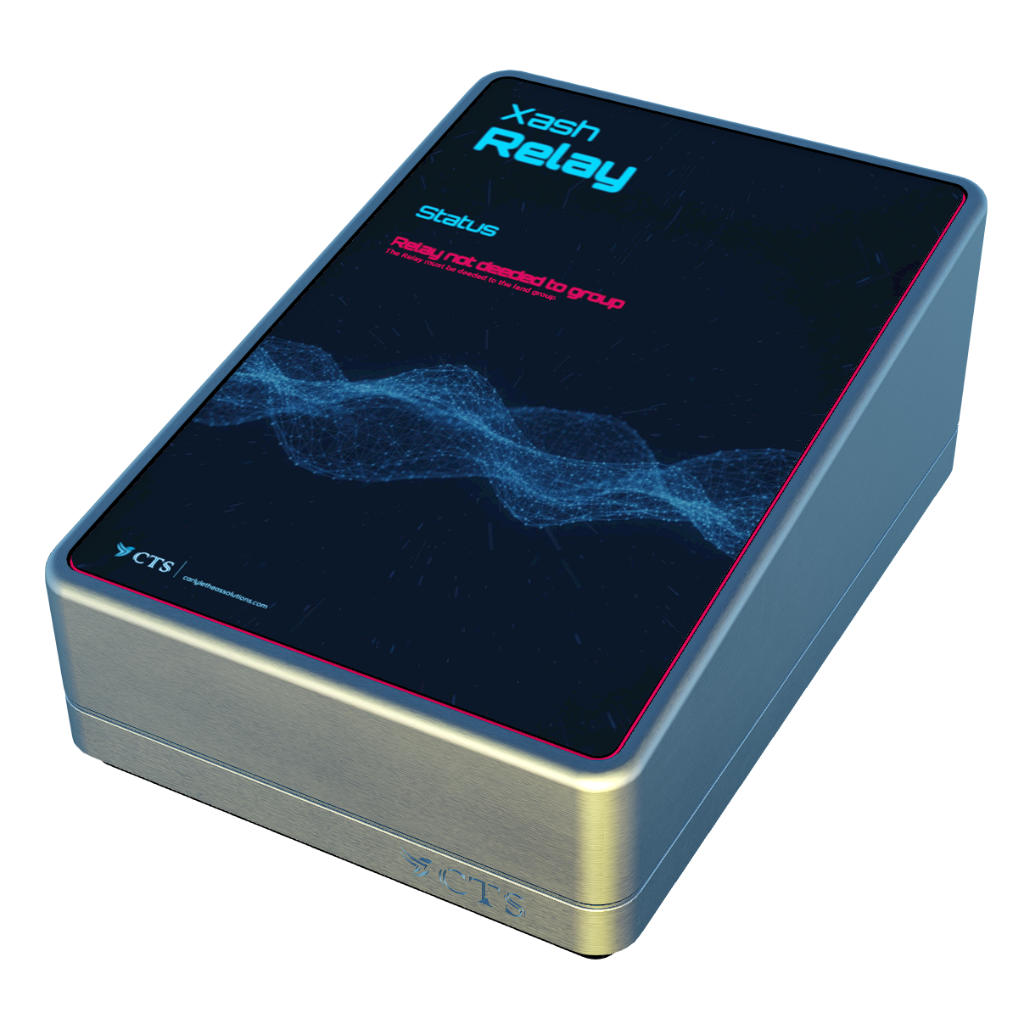
- Deed to the land group if required: Ask the club owner to rez the relay on their parcel. Make sure that a stream is currently set on the parcel. Check the relay's display. If it says the relay is not deeded, deed it to their land group (which has music stream control rights on the land).
- Automatic Discovery: Once rezzed and deeded, your Personal Tip Jar will automatically connect to it. The Set Stream option will appear in your menu.
- Auto-Revert: When you log out, the relay automatically reverts the parcel stream back to the club's default music URL.