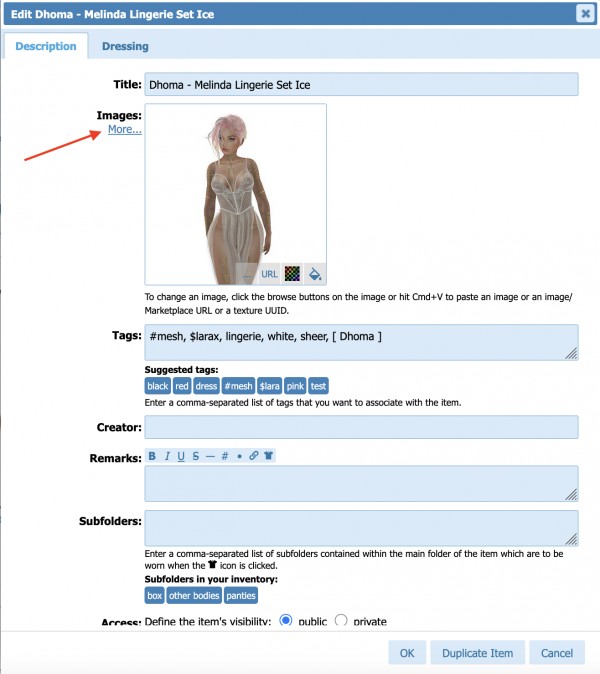
To add secondary images to an existing Wardrobe item, edit the item (by clicking the pencil icon), then click the "More..." link:
You will see additional fields to add images:
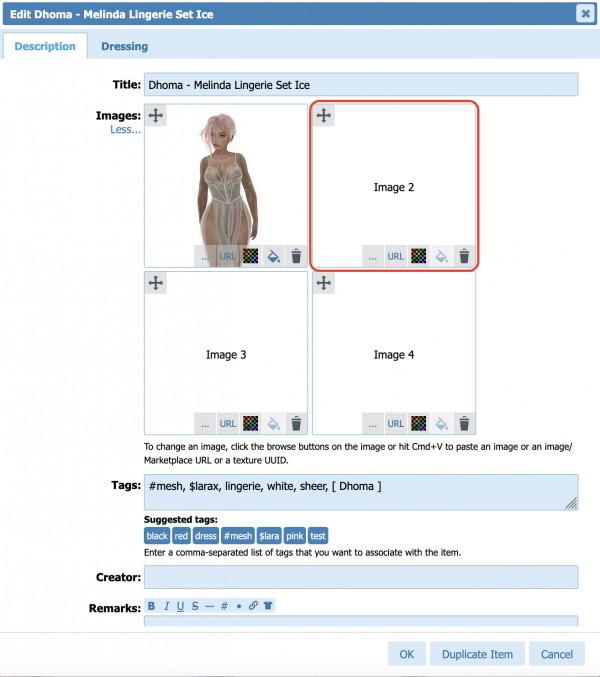
You can drag an image from your file explorer there, or use one of the buttons to browse for an image on your computer, add an image by URL or texture UUID.
Once you're done, make sure you click "OK" to save your changes.
The new image(s) will appear below the main image of the item.