Setup & Configuration Guide
Setting up the Xash Light Tip Jar and the Xash Stream Relay requires a few simple setup steps inworld.
Inworld Setup
-
Rez the objects:
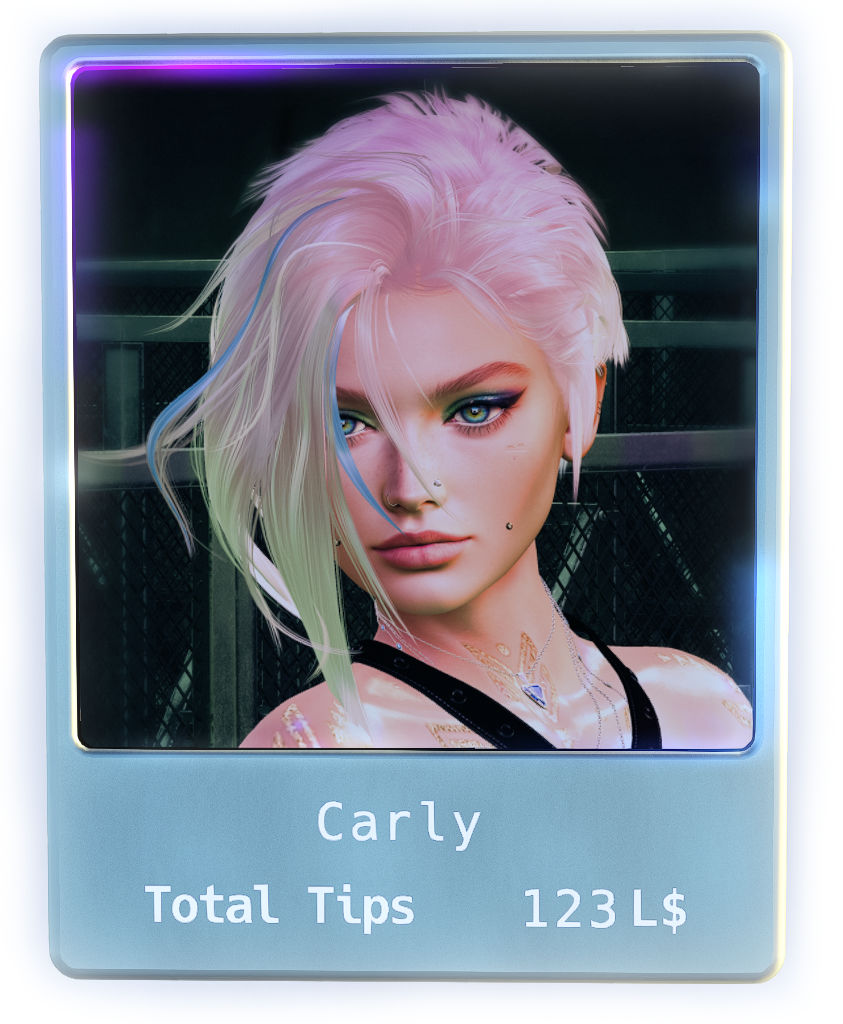
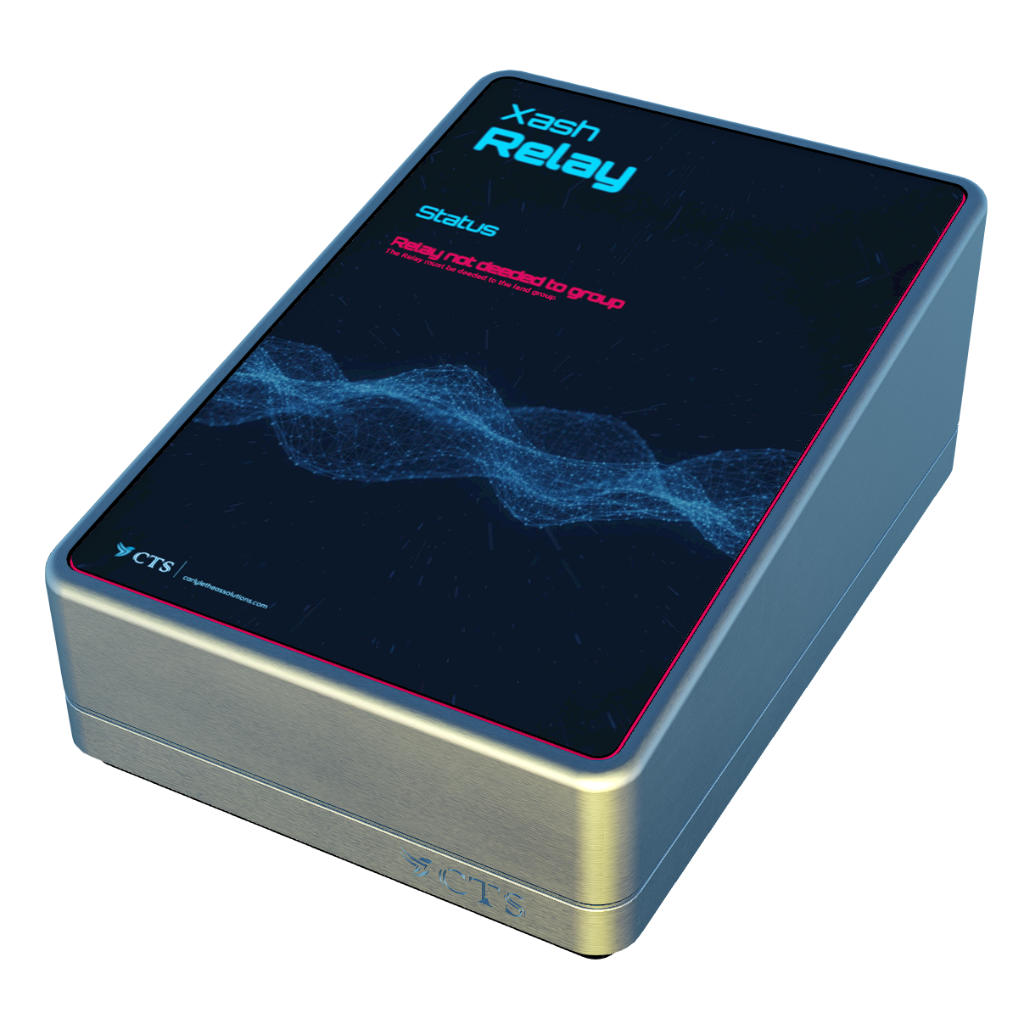
Rez one Xash Light Tip Jar and, if you want to allow your staff to change the stream, rez the Xash Stream Relay on the parcel where your event takes place. -
Grant debit permissions:
The owner of the tip jar must touch it and click Accept on the debit permissions popup. This is required so the script can pay out splits to co-workers and transfer performer tips. -
Configure the tip jar:
Edit the notecard named Config inside the tip jar's inventory to customize text, colors, commissions, splits, and graphics.
You can find the documentation for the options directly in the notecard or here. -
Copy the tip jar (if you want multiple copies with the same configuration):
Edit the tip jar and shift-drag the tip jar object to create a copy. -
Deed the Stream Relay:
If your parcel requires a land group to change the music stream (typical for group-owned land), deed the Xash Stream Relay to the land group.
To do so, edit the Stream Relay, select the correct group in the General tab, tick the Share checkbox, and click the Deed button.
The Stream Relay will display a warning if it is not deeded correctly or cannot set the parcel stream.