
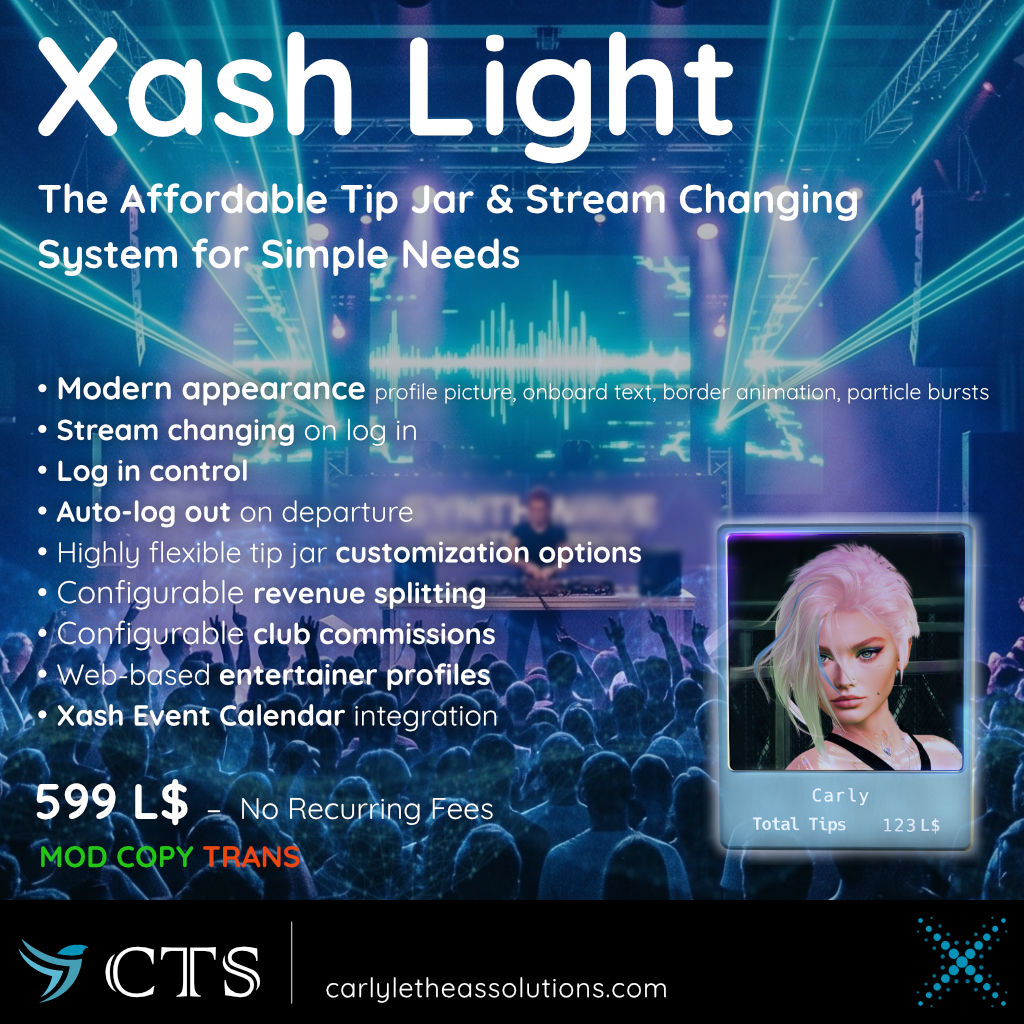
Xash Light is a simple and inexpensive tip jar and stream changing system for small clubs and performers. It is designed as a low-impact, feature-rich component within the Xash ecosystem, without all of the bells and whistles of the full Xash system. It is perfect for those who need a simple, reliable tip jar and stream changing system without all of the extra features of a full club management system.
It still gives you some of the Xash experience, including a feature-rich, stream changing tip jar and listing your event in the Xash Event Calendar.
Key Features
- Modern Appearance: Includes a modern, polished look with on-board text for maximum immersion with profile picture display and optional scrolling border animations and customizable particle bursts on tips.
- Stream Changing: Logged-in performers can select from their registered stream URLs.
- Announces newly arrived guests (private chat).
- Log In Control: Only staff members (DJs, hosts, dancers) in the land group can touch the jar to log in.
- Auto-Logout on Departure: Automatically logs out the entertainer if they leave the region for more than 5 minutes, freeing the tip jar for the next performer.
- Customizable Hover Text & Fonts: Configurable text displays showing total tips, highest tipper, and latest tips.
- Revenue Splitting: Automatically splits tip revenue with multiple co-workers/partners by UUID and percentage.
- Club Commissions: Retain a configurable percentage of all tips collected for the club.
Package Contents
The Xash Light package contains the following items:
Objects:
- Xash Light Tip Jar – A tip jar board with profile picture display and on-board texts (display name and total tip amount).
- Xash Light Simple Tip Jar – A tip jar board with profile picture display only.
- Xash Stream Relay - Used to control the parcel stream (transferable to hand out to venue owners).
Scripts:
- XashLightTipJar – The main tip jar script (transferable to any object to make it a tip jar).
- XashTipJarMenu – The menu system for the tip jar (transferable to any object to make it a tip jar).
- XashVisitorsLight – Script for announcing new arriving guests (optional).
- ParticleFormatter – Script for converting a particle system to the format used in the Config notecard.
Entertainer & DJ Experience –
How To Use
Logging In and Setting the Stream
To log in to the tip jar, ensure you have the land/club group active and touch the tip jar board.
If the tip jar allows to change the club stream, you'll be prompted to select a stream URL. If you haven't set up any personal stream URLs yet, you will be asked to provide your stream URL.
You can manage your stream URLs at any time on your personal Xash web page.
Right click the tip jar and click Menu, then User Profile
to open your profile on the Xash website.
Receiving Tips
You'll be notified by a menu and in local chat when you receive a tip.
To review your 5 most recent tips, select Recent Tippers from the menu.
Logging Out
To log out, select Log Out from the tip jar's menu.
After logging out, a session summary showing your logged-in time, total tips collected, and actual tips earned (after splits and commissions) is shown in local chat (only visible to you).
If you set a stream when you logged in, the stream URL will revert to the previously active parcel stream.